Search Templates
 
Templates / Reports / Analysis worksheets


Pareto Analysis

Decision helper: rates your decision options based on your inputs
Excel 2007
Operations process flow analysis
Excel 2007
Product profitability analysis
Excel 2007
Price elasticity for multiple interacting products
Excel 2007
Loan amortization schedule
Excel 2007
College comparison worksheet
Excel 2003
College enrollment dashboard

Excel 2007
Project earned value analysis
Excel 2003
Loan analysis worksheet
Excel 2003
Possible personal earning for truck drivers
Excel 2007
Simple Electoral College Election Predictor
Excel 2007
Car feature comparison
Excel 2007
EV Analysis Template
Excel 2007
Time-Task Analysis with Rolling Average Template-2007
Excel 2007
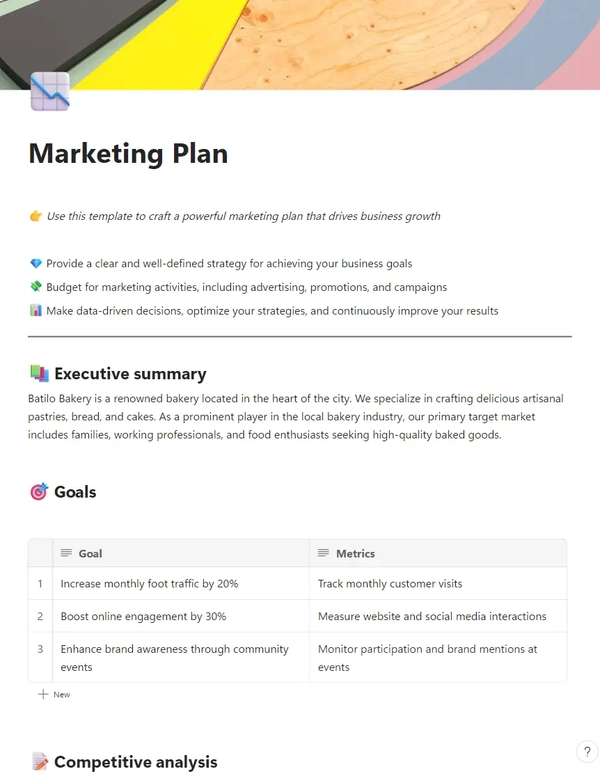
Marketing Analytics Tool and Reporting
Excel 2007
Pareto Analysis
Pareto Analysis
Excel 2007
Competitive market benchmark analysis1
Excel 2007
Supplier Comparison Chart
Excel 2007
Investment Risk Analysis
Excel 2007
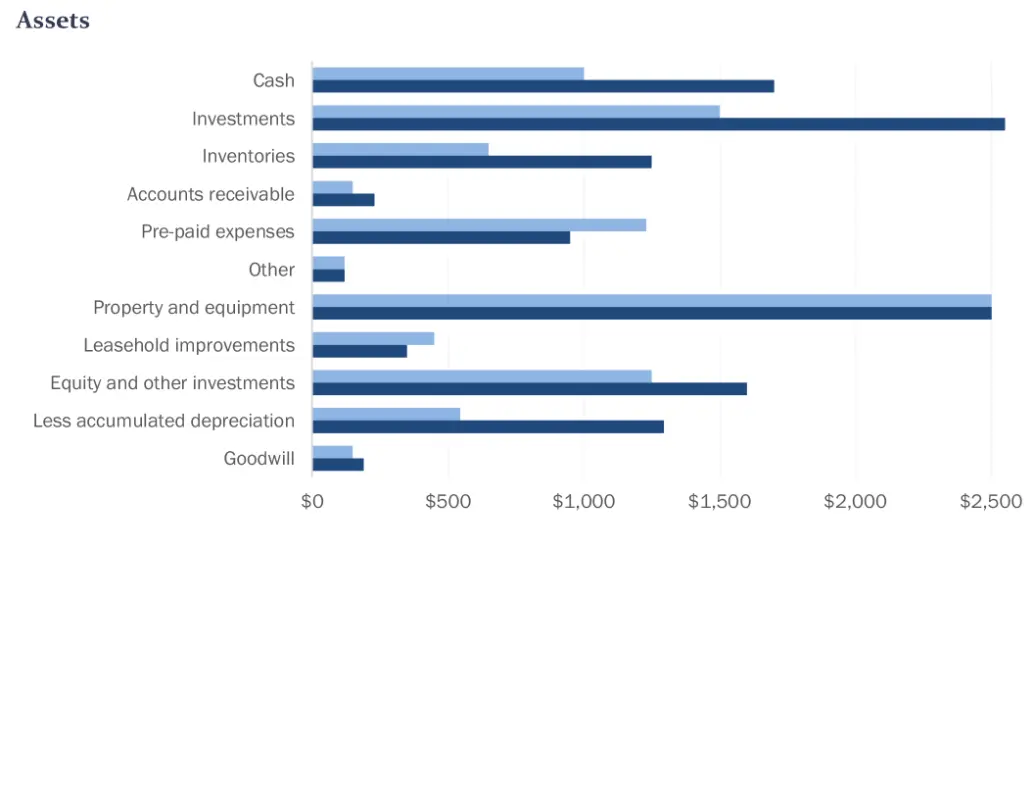
Income Statement Dashboard
Excel 2007
Margin Calculator (COGS vs Sales Price) Estimate Worksheet
Excel 2007
Political Speech Analysis Worksheet
Word 2007
Job Decision Matrix
Job Decision Matrix
Excel 2007
 Pareto Analysis Report Abuse Description Pareto Analysis creates pareto chart and updates the calculations for your data. You just need to group your data in categories in descending order and your cumulative percentage column is calculated automatically. Your pareto chart updates automatically based on the number of categories and data you have. Pareto Analysis can be used for analyzing groups of data such as costs, defects, activities, and time.Provided by
MR Dashboard LLC

MR Dashboard LLC

Microsoft Partner

DetailsVersion:Excel 2007 or laterDownloads:32,763File Size:14 KBRating: